
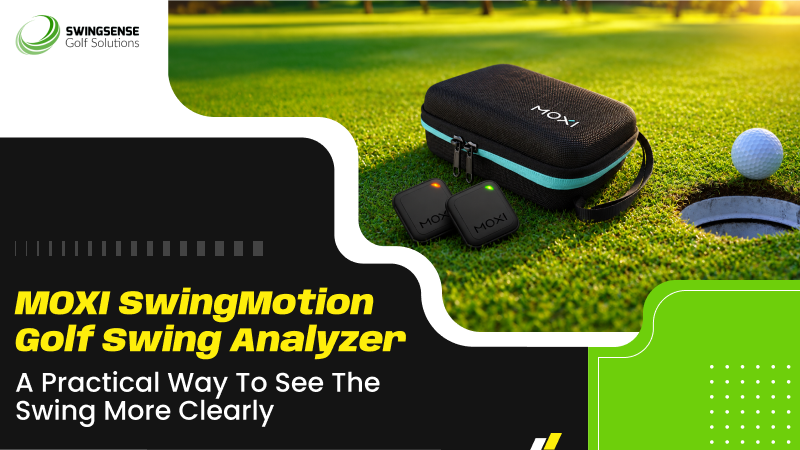
MOXI SwingMotion is built for golfers who want more than a vague sense of what went wrong in the swing. It is designed to show how the body moves before, during, and after impact, so practice becomes less about guessing and more about repeating the right patterns. That makes it useful for players who are trying to clean up contact, stabilize movement, or understand why one swing feels better than another.
The appeal of the system is simple. It gives golfers visual and motion-based feedback without asking them to build a camera studio or work through a complicated setup. With two sensors, app-based tracking, and structured training modules, SwingMotion turns practice into a tighter loop: swing, review, adjust, repeat. That is the kind of format many golfers need when they are trying to make progress without wasting sessions on random changes.
MOXI also offers SwingMotion as a free app with no subscription required, making it easier to continue using the system over time. For golfers who want ongoing feedback without recurring fees, that is a meaningful advantage.
Why SwingMotion Stands Out
SwingMotion uses a live 3D avatar and virtual playback with frame-by-frame review. That matters because body motion is often easier to understand when it is shown visually rather than described in abstract terms. A golfer can see posture, sequencing, and motion sequences in a method that feels more concrete than relying on memory or feel.
This is especially helpful for players who make small changes and need to know whether those changes actually held up through the swing.
Rather than treating the swing as one oversized problem, SwingMotion breaks training into four modules: Wrist, Torso, Hip, and Body Separation, also described as X-Factor work. That framework gives golfers a way to isolate one part of the motion at a time rather than trying to fix everything in a single session.
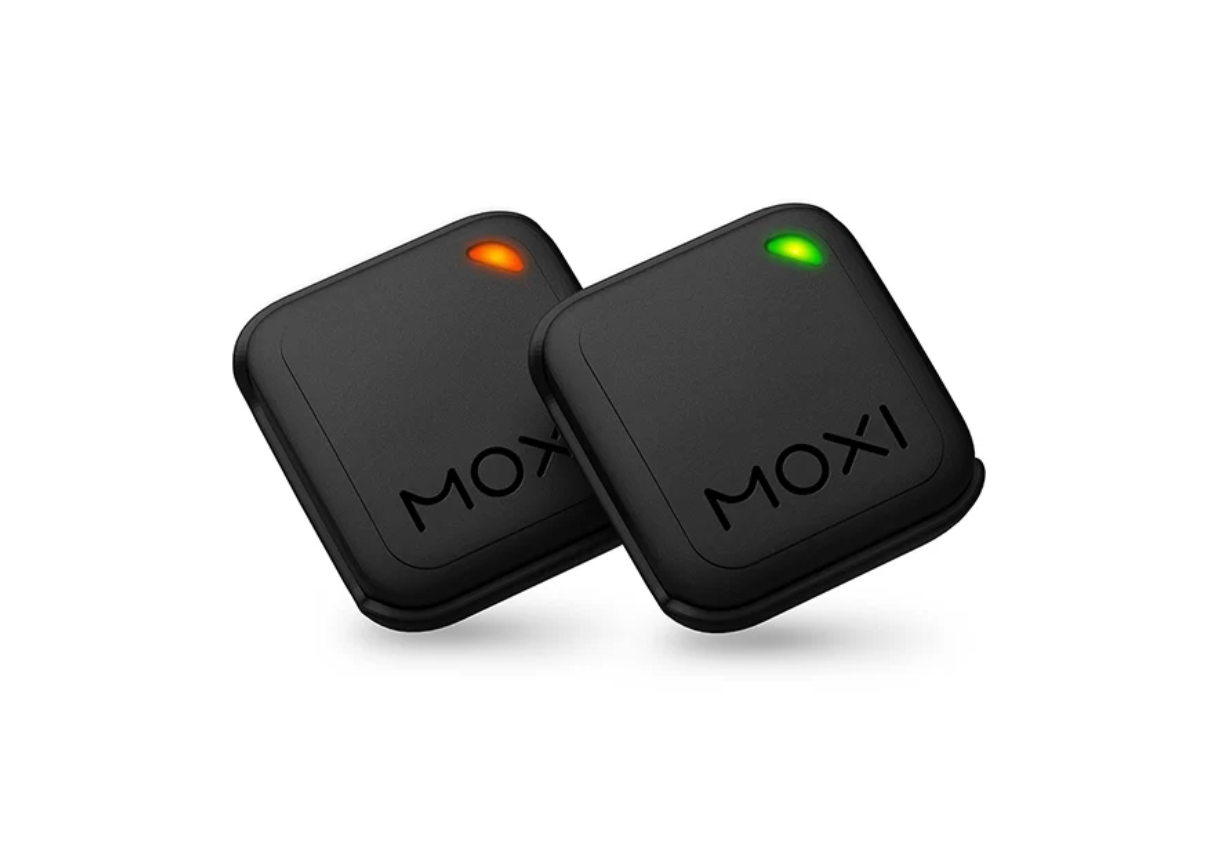
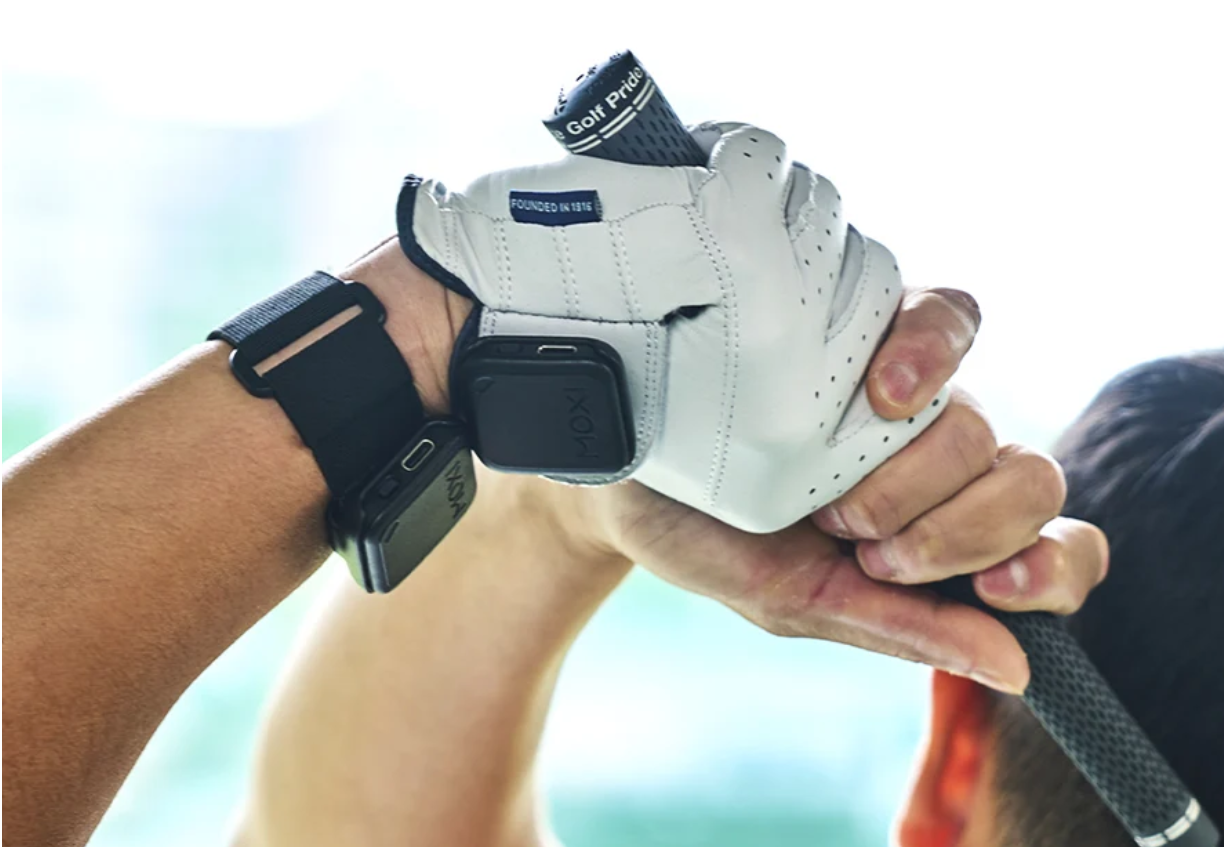
The system uses two ultra-light sensors. That is important because motion sensors only help if they stay discreet during the swing. Heavy or awkward equipment can change how a golfer moves, which defeats the purpose.
SwingMotion fits neatly into home practice, range sessions, and coach-led work because it is designed for short, repeatable training blocks. A beginner can use it to learn basic positions and understand what the body is doing during the swing. A mid-handicap player can use it to reduce movement faults that lead to inconsistent contact. A more advanced player can use it to tighten sequencing and maintain form at speed.
It also works well for golfers who prefer a structured session over an open-ended one. Instead of hitting balls and hoping the problem disappears, the user can choose a module, work through a drill, and then check whether the change appears in the motion data. That makes practice more intentional and, often, more efficient.
How It Compares With Common Alternatives
Compared with video-only practice, SwingMotion offers a different kind of feedback. Video can show the swing after the fact, but a sensor-based system is built to read movement directly and then turn that into a visual model. That makes SwingMotion better suited to golfers who want to study swing patterns rather than simply watch recorded swings.
Compared with single-area motion aids, SwingMotion is broader in scope. A wrist-only trainer may help with one part of the swing, but it will not tell the user much about torso control, hip movement, or upper-lower body sequencing. SwingMotion’s four-module format provides a wider training footprint, which can be useful for golfers whose problems are not limited to a single movement.
Compared with full studio setups, SwingMotion is far less demanding. It does not appear to require a dedicated camera room or a fixed installation, and that lowers the barrier to regular use. The trade-off is that it is not an all-in-one simulator system. It focuses on body-motion training, making it a better fit for golfers who prioritize mechanics over launch-room-style entertainment.
Why Someone Should Choose This Product
SwingMotion makes sense for golfers who want practice to feel clearer and more structured. Its biggest strength is not any single sensor or app feature. It is the way those parts work together. The live 3D avatar helps users see the swing, the playback tools help them examine it, and the training modules help them work on it in a more organized way.
That combination is useful because golf improvement often stalls when the player cannot tell which change mattered. SwingMotion helps reduce that uncertainty. It gives the golfer a clearer picture of what the body is doing and a more practical way to test one change at a time. For players who are trying to build repeatable movement rather than chase swing thoughts, that is a strong case for choosing it.
It is also appealing for users who do not want to pay ongoing fees. The free app model and no-subscription approach make the system easier to keep in the routine over the long term. In a category where software costs can quietly pile up, that is a genuine selling point.
Important Buying Considerations
SwingMotion is most useful when the user is willing to calibrate and place the sensors correctly. The product information notes that calibration is recommended on first use and whenever the device location changes. That is worth keeping in mind because sensor-based training works best when the setup is consistent.
The system also asks the user to pay attention to their attire. MOXI advises against golf gloves with magnetic closures because magnets can affect sensor accuracy. That is a small detail, but it is the sort of detail that can impact data quality.
Product Details
- Two sensors using dual 9-axis IMUs with accelerometer, gyroscope, and magnetometer components.
- Four training modes: Wrist, Torso, Hip, and Body Separation (X-Factor).
- Live 3D Avatar and virtual playback with frame-by-frame review.
- App support for iOS and Android with Bluetooth pairing.
- Free app model with no subscription required.
- Accuracy listed at ±2°.
- Data output rate of 100 Hz.
- Latency under 20 ms.
- Battery capacity: 120 mAh, with up to about 4.5 hours of use.
- USB-C charging takes about 2 hours to recharge.
- Sensor size of 37 × 37 × 10 mm and weight of 13 g per sensor.
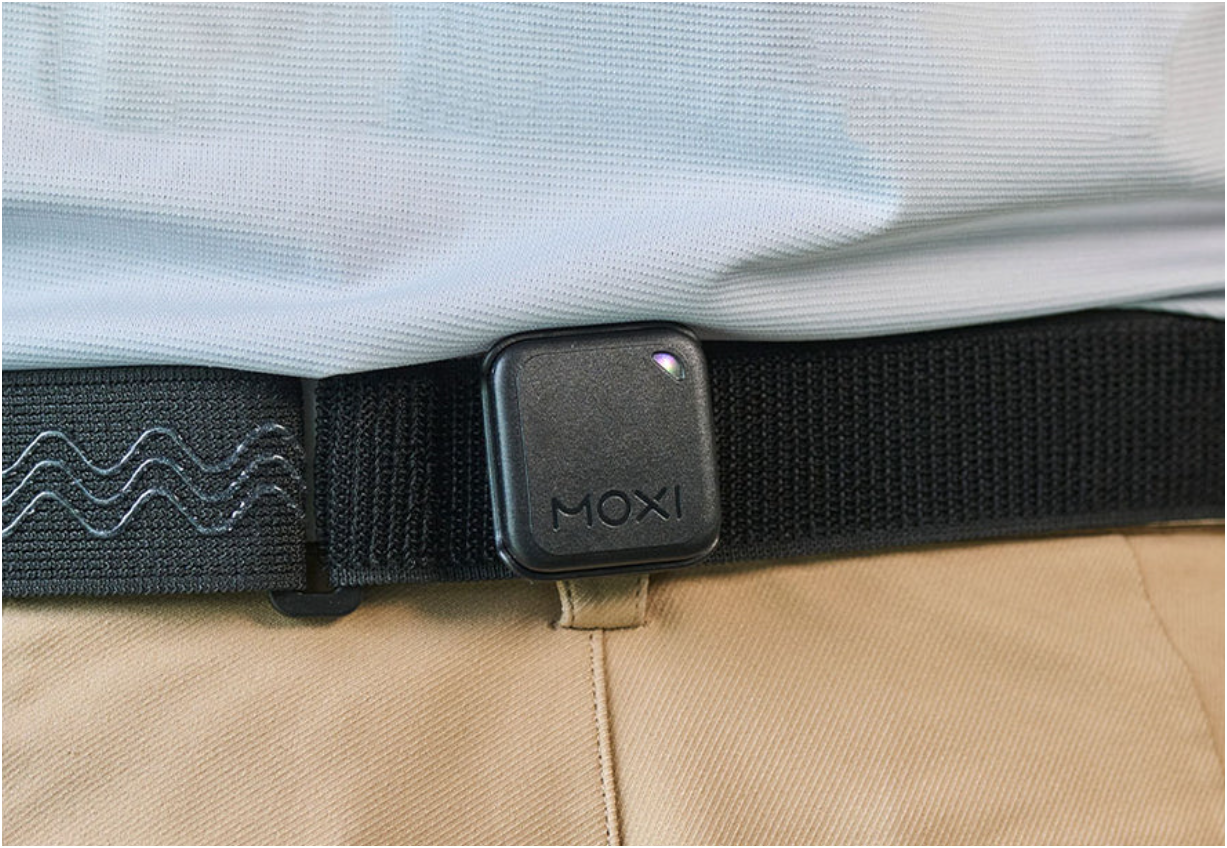
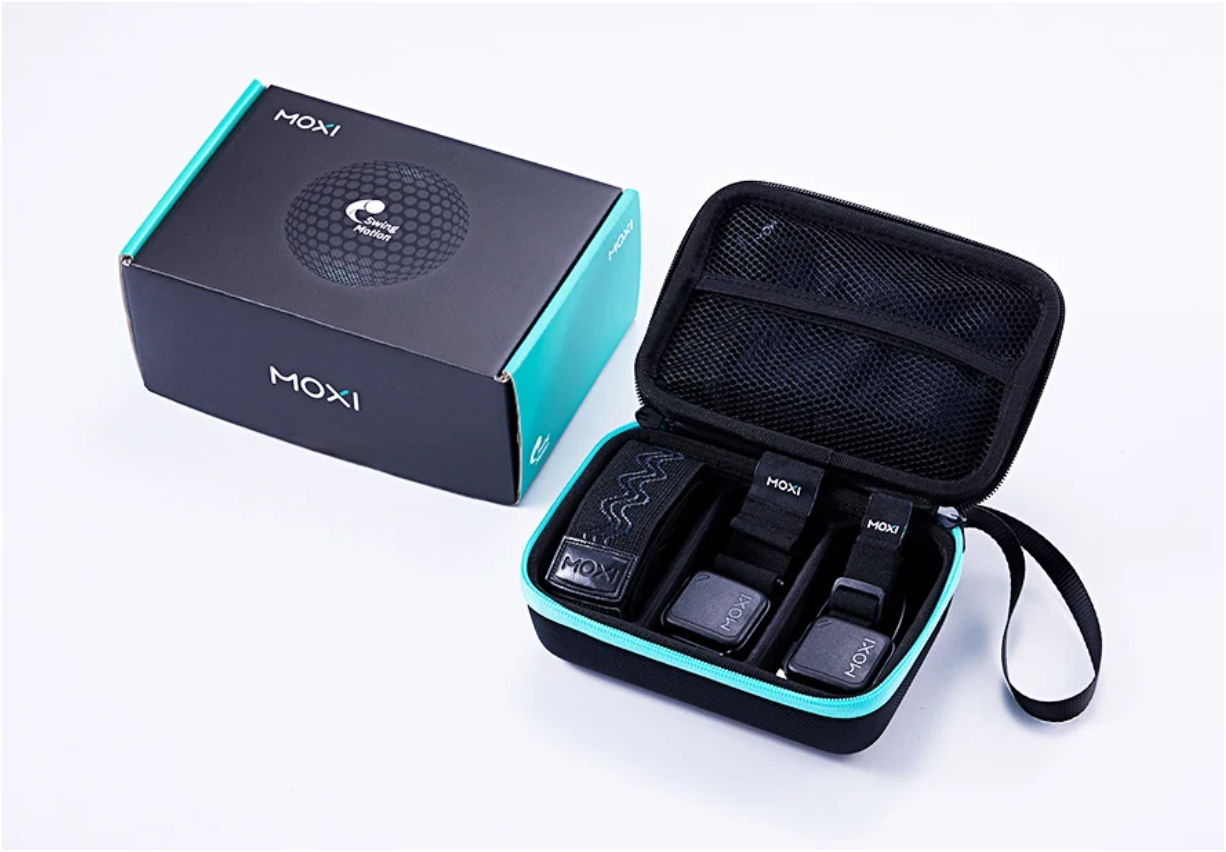
- Included items: 2 sensors, wrist strap, palm strap, hip clips, waist belt, training vest, and USB-C cable.
- One-year manufacturer’s warranty on electronic components.
Product Features
- Real-time motion capture focuses on the body movements that shape the swing, supporting clearer review.
- A live 3D avatar makes motion easier to read at a glance and helps connect the data to the swing.
- Frame-by-frame playback helps users spot where a fault begins and follow it through the motion.
- Four focused modules keep practice structured and make it easier to work on one movement at a time.
- Dual ultra-light sensors stay out of the way during the swing and help preserve natural movement.
- Session history helps users compare swings across time and see how changes carry over.
- AI tips and drill-style training options support guided practice and make the feedback more actionable.
- Fast tracking with 100 Hz output and low latency supports immediate feedback during the swing.
- Wearables and clips help keep sensor placement consistent and make comparisons more reliable.
- Ongoing app updates suggest the platform is still being maintained.
Conclusion
MOXI SwingMotion is an excellent match for golfers who want clearer feedback on how their bodies move through the swing. Its modularized training format, visual feedback tools, and lightweight sensors make it especially useful for players who want structured practice without a complicated setup.
It stands out most for golfers who value repeatability and want to work on swing motion in a more focused way. For anyone wanting to replace guesswork with a more measurable training routine, SwingMotion offers a practical, well-organized approach worth considering.