
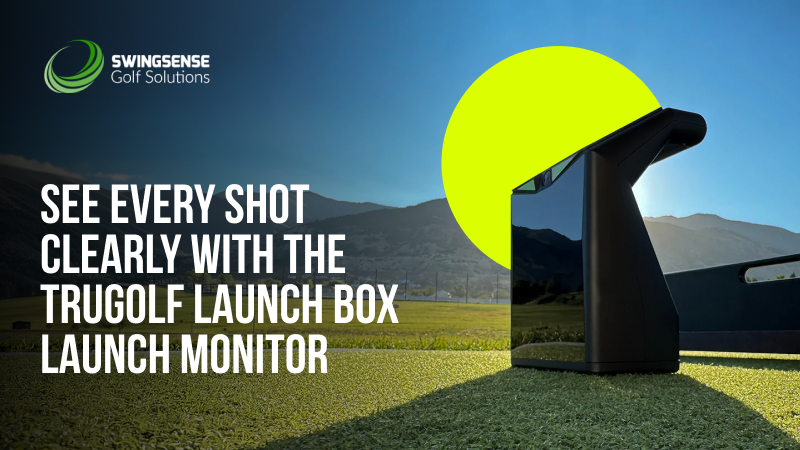
You know that moment in a game when the HUD gives you exactly the info you need, no clutter, no lag? That’s the mindset behind the TruGolf Launch Box. It strips practice down to what matters: fast feedback, readable numbers, and zero friction between swings. Hit the ball, glance down, and you instantly know what just happened.
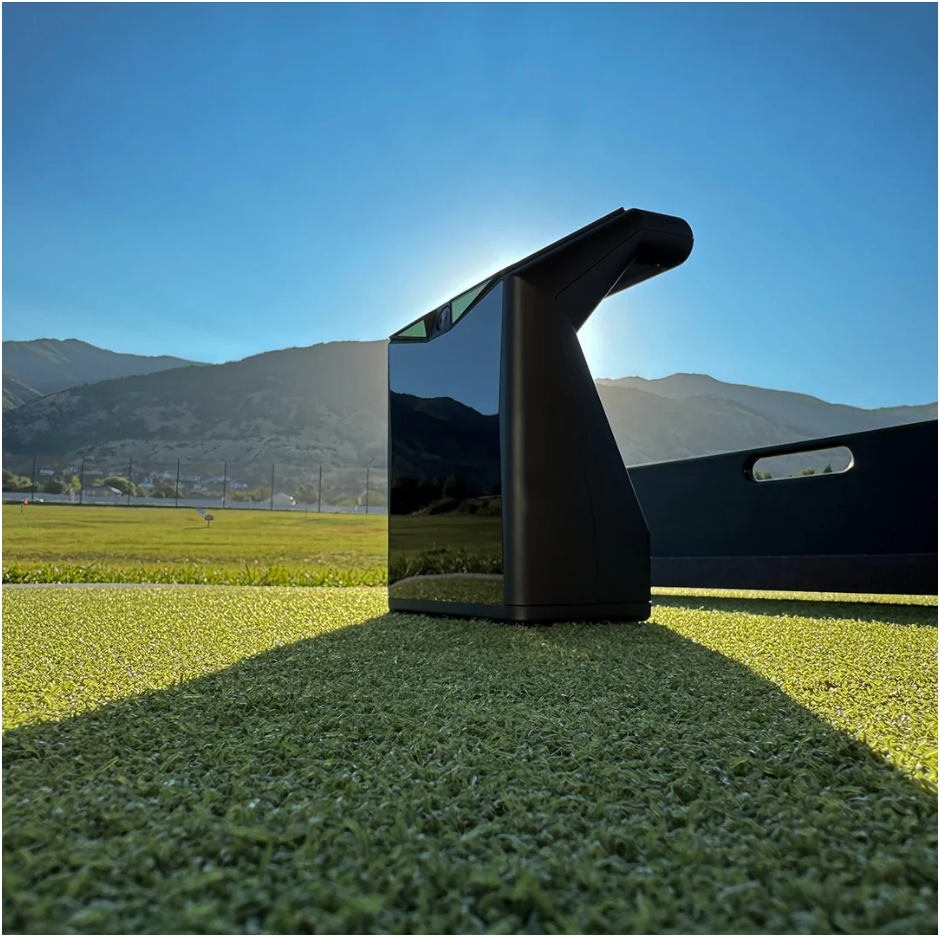
At its core, the Launch Box uses high-speed photometric cameras to track ball data with indoor-first accuracy. Instead of pushing everything to a phone or tablet, it shows your key numbers on a crisp display that stays readable in bright sun or dim garages. Practice stays focused, portable, and refreshingly simple.
Why the Launch Box Fits a Gamer’s Practice Style
Bad practice sessions feel a lot like laggy gameplay. You swing, something feels off, but you don’t know why. The Launch Box closes that gap by giving you immediate cause-and-effect feedback without forcing you to juggle extra screens.
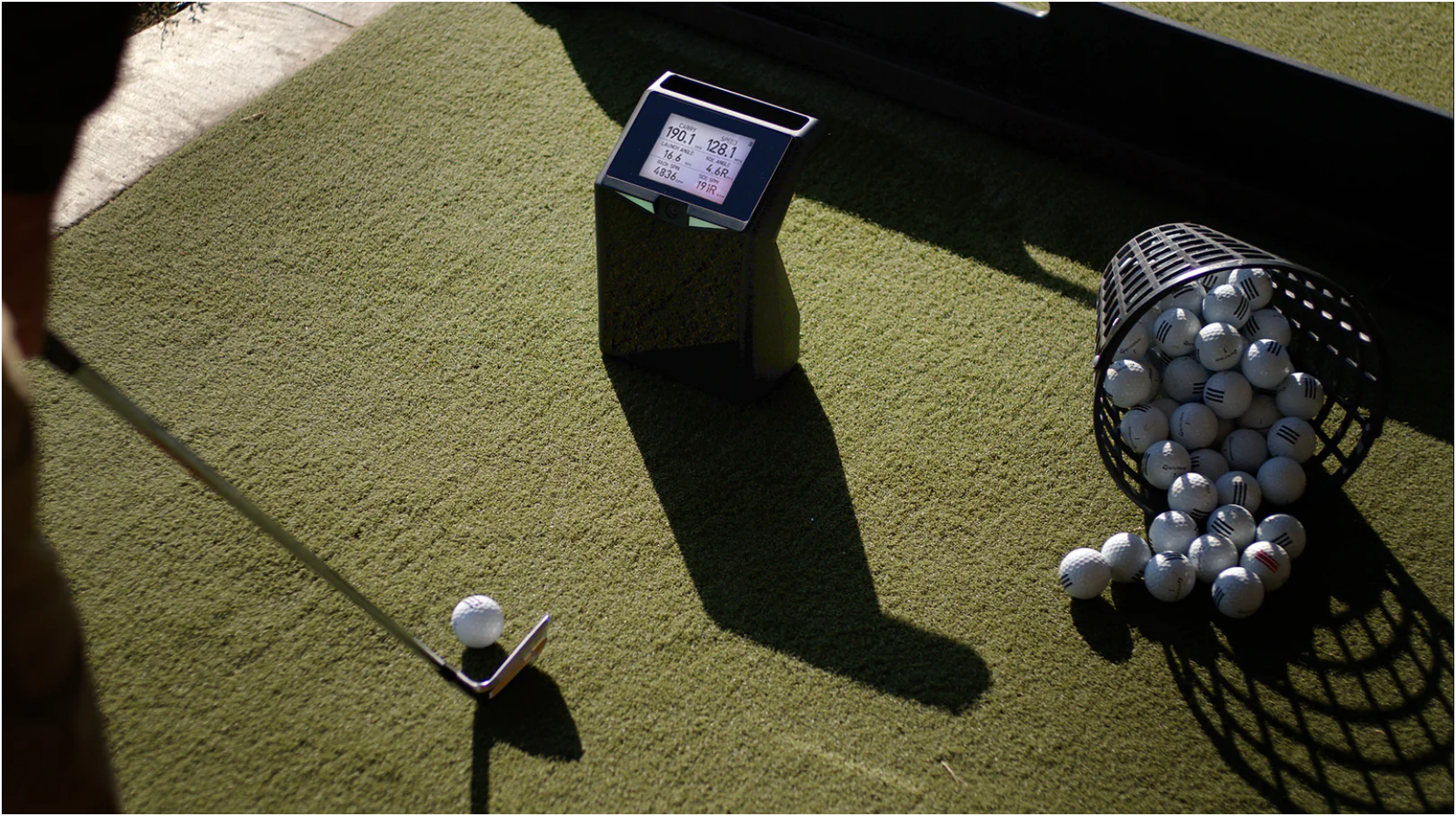
Right on the unit, you see carry distance, ball speed, backspin, sidespin, and launch direction. That’s enough to spot common problems fast. A push slice? Horizontal launch and sidespin tell the story. A dead-feeling strike? Ball speed drops instantly. You don’t guess. You adjust.
Think of a mid-handicap player grinding in the garage after work. No Wi-Fi, no setup hassle. Just offline mode, one screen, and clean repetition. The feedback loop stays tight, like tuning aim sensitivity in a shooter until it finally clicks.
Built-In Modes That Keep Practice Moving
The Launch Box gives you two clean ways to train, depending on how deep you want to go.
Offline Mode runs entirely on the device. Set the ball in the 4″ × 8″ Ready Zone, wait for the LED confirmation, swing, and read your numbers instantly. No phone. No tablet. No distractions.
When you want visuals, games, and full-course play, switch to Online Mode and connect to E6 CONNECT on PC or iOS. That opens up total distance, club head speed, smash factor, apex, descent angle, deviation, and shot type, plus virtual ranges and famous courses.
It’s a lot like switching from aim training to full multiplayer. Same mechanics. Bigger environment.
How It Compares to Other Launch Monitors in 2026
The launch-monitor space is crowded, but the Launch Box carves out a clear lane by focusing on portability, visibility, and offline usability.
Compared to SkyTrak+, the Launch Box trades some advanced club data for a simpler, device-first experience. SkyTrak+ leans heavily on external screens, while Launch Box keeps essentials right in front of you.
Against Bushnell Launch Pro, accuracy isn’t the issue. Cost and complexity are. Bushnell delivers tour-level data but often ties features to subscriptions. Launch Box stays lighter, more affordable, and easier to deploy.
Stacked up with Garmin R10, the difference is in the tracking method. Radar shines outdoors but can struggle indoors. Launch Box’s photometric cameras are optimized for controlled lighting, which matters for home SIM players.
The result is a monitor that feels purpose-built for indoor grinders who value clarity over excess.
Designed for Real-World, Mobile Practice
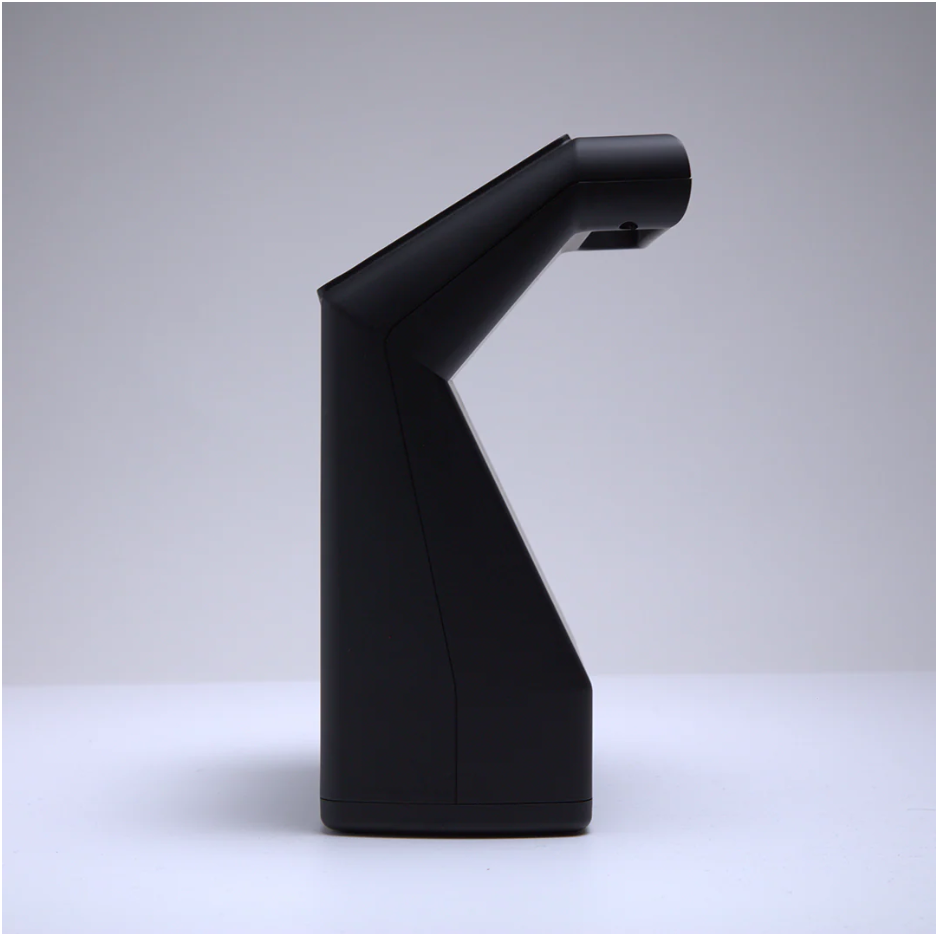
This unit isn’t meant to live on a shelf. It fits easily in a golf bag, and sets up in seconds. Battery life is listed as around six hours, enough for a long range session or multiple home practice blocks.
The display is a quiet hero here. With a 170° viewing angle, you can read your numbers from standing height without bending down or shading the screen. Indoors or out on a range mat, visibility stays consistent.
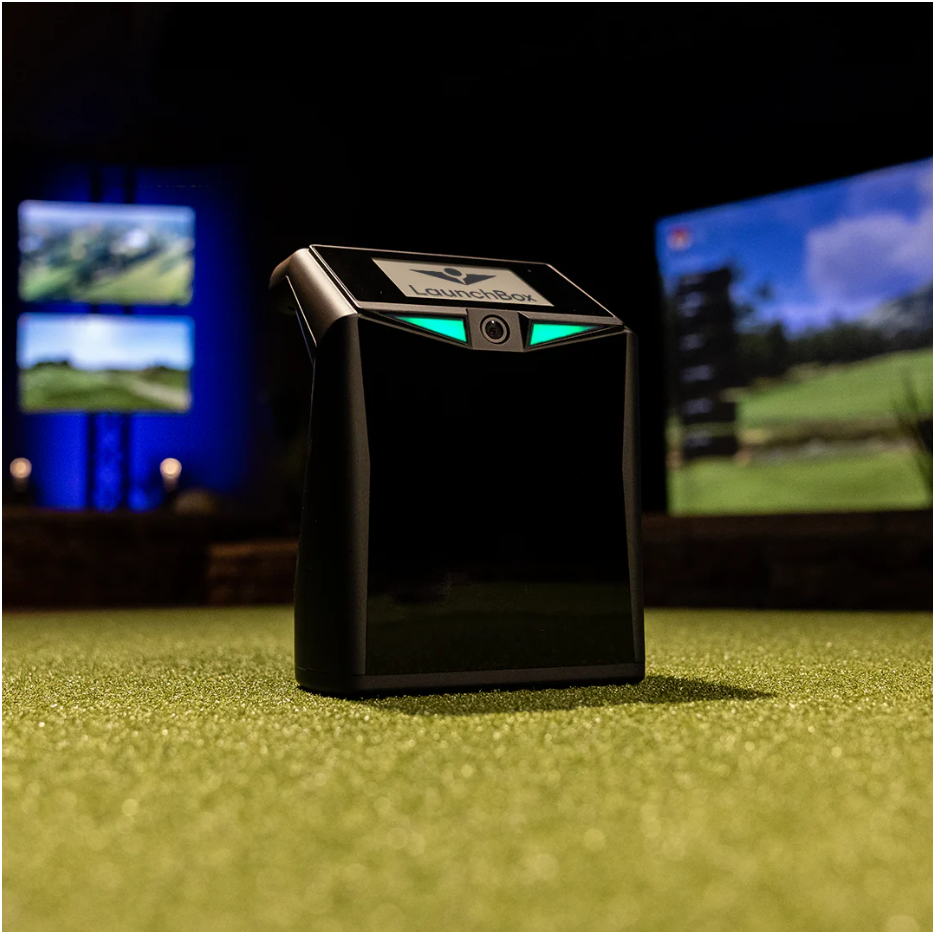
Setup is forgiving but precise. Level the unit, align it with the mat, place the ball 17.5″ from the front face, and you’re live. The LEDs confirm detection, so there’s no second-guessing before each swing.
Why It Clicks With the Gamer-Golfer Mindset
If you’re used to games, you already think in iterations. Input, feedback, adjustment. The Launch Box fits that loop perfectly. No cluttered UI. No delayed processing. Just fast data you can act on.
Run a simple test. Hit ten balls without feedback. Then hit ten more while watching launch and spin. The improvement shows up quickly, tighter dispersion, better contact, calmer decisions. The numbers don’t judge. They just tell the truth.
Product Details
- Photometric tracking with high-speed cameras
- Indoor-optimized accuracy with outdoor range-mat support
- Clear display with 170° viewing angle
- Offline Mode with on-device data
- Online Mode with E6 CONNECT on PC and iOS
- Wi-Fi Direct or Ethernet connectivity
- Ready Zone: 4″ × 8″
- Ball position: 17.5″ from the front face
- Battery life: ~4–6 hours
- Includes Launch Box, power cord, and E6 CONNECT Home (PC & iOS)
Product Features
- Instant on-unit feedback without a phone
- Clear separation of measured vs calculated data
- Quick alignment with LED status indicators
- Lightweight, travel-ready design
- Full simulation support through E6 CONNECT
- Indoor accuracy with flexible outdoor use
If you want a launch monitor that keeps practice clean, fast, and readable, and that stands up well against SkyTrak+, Bushnell, and radar-based options, the TruGolf Launch Box earns its place in your setup. Use it consistently, trust the feedback, and let the data sharpen your game.