

TruGolf Launch Box Launch Monitor
US$ 2,999.00
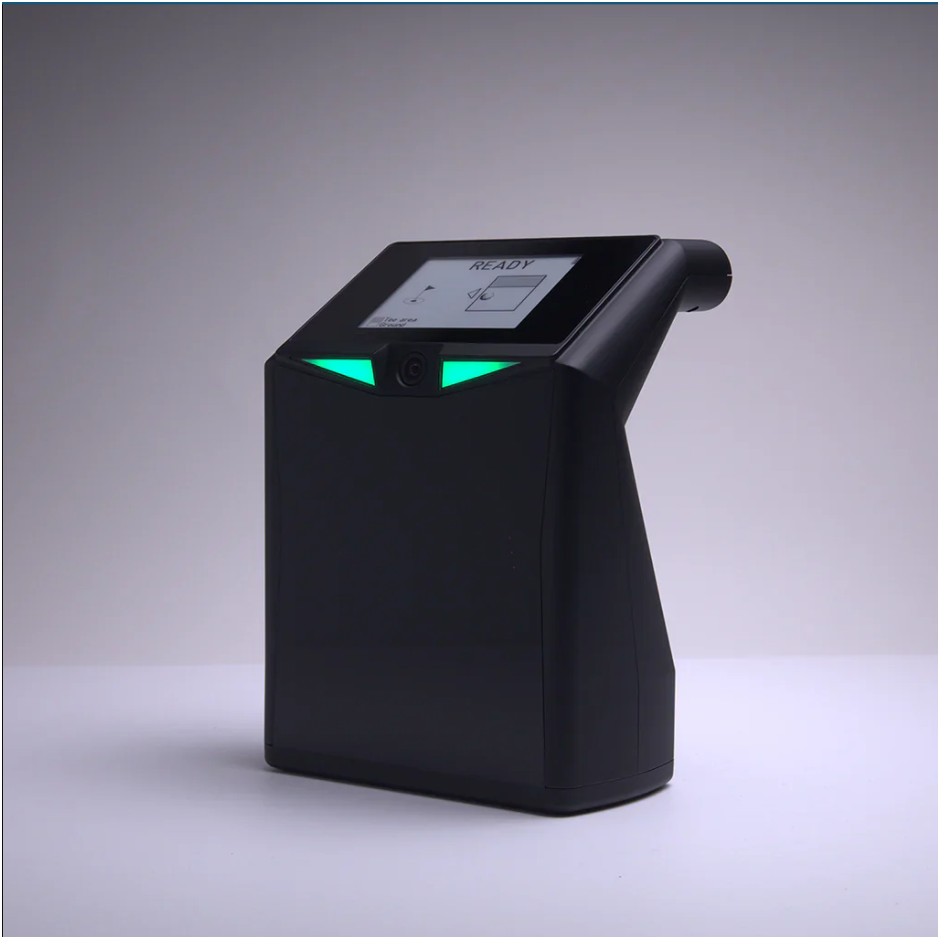
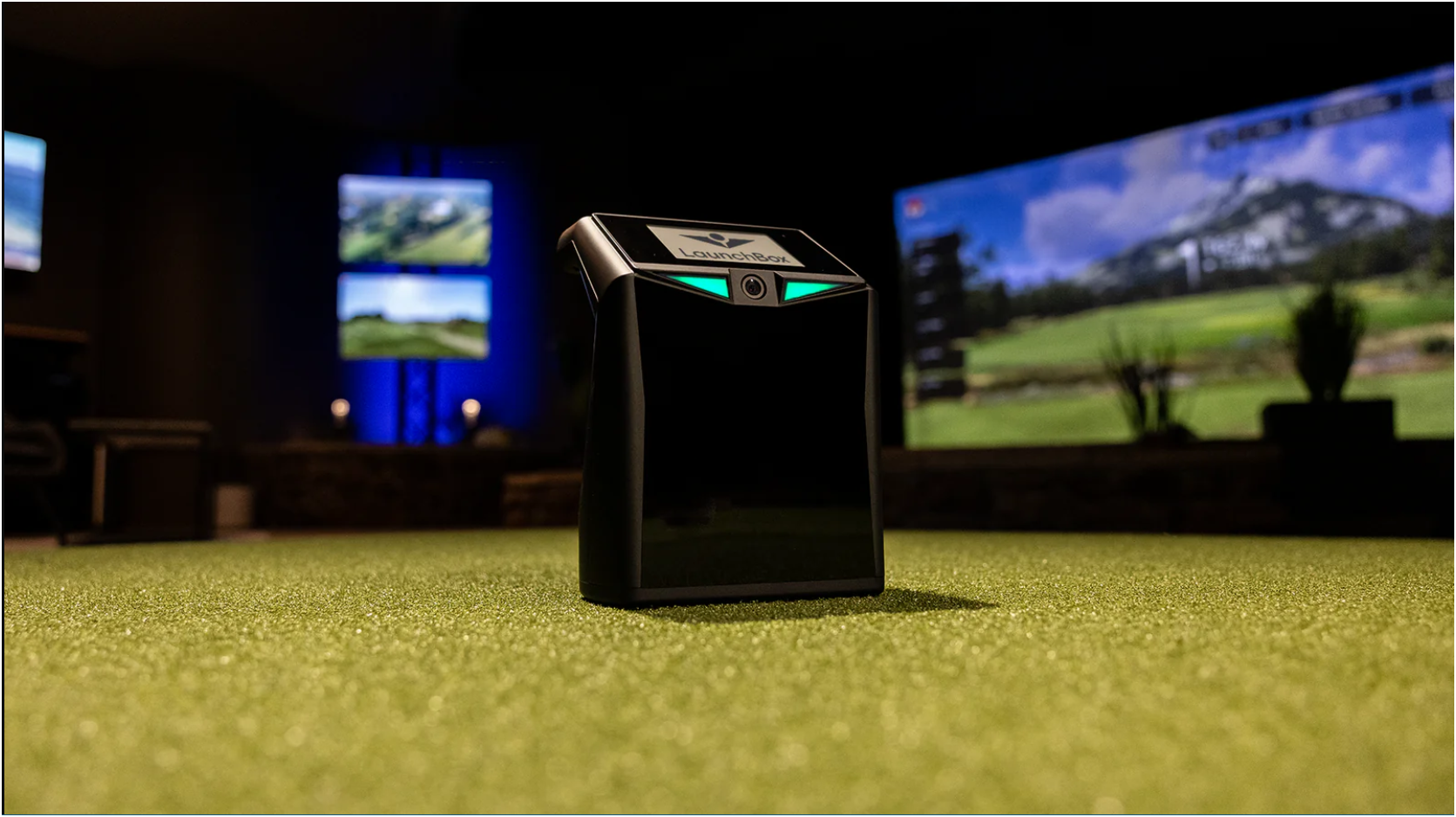
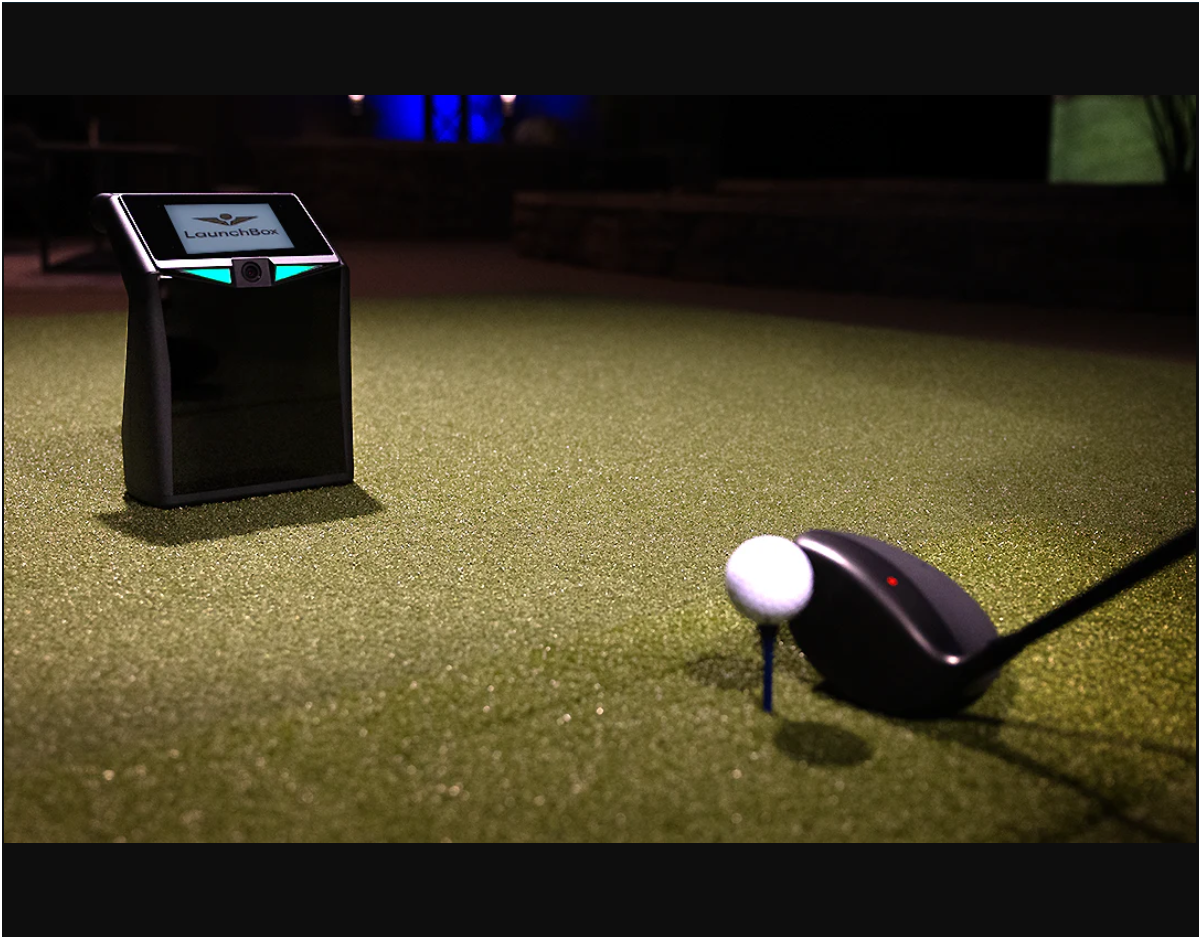
The TruGolf Launch Box Launch Monitor makes simulator golf feel simple. You set it down next to the ball. You swing, and it captures your shot fast and shows your numbers right away. You stop guessing about distance and flight and start practising with clear feedback.
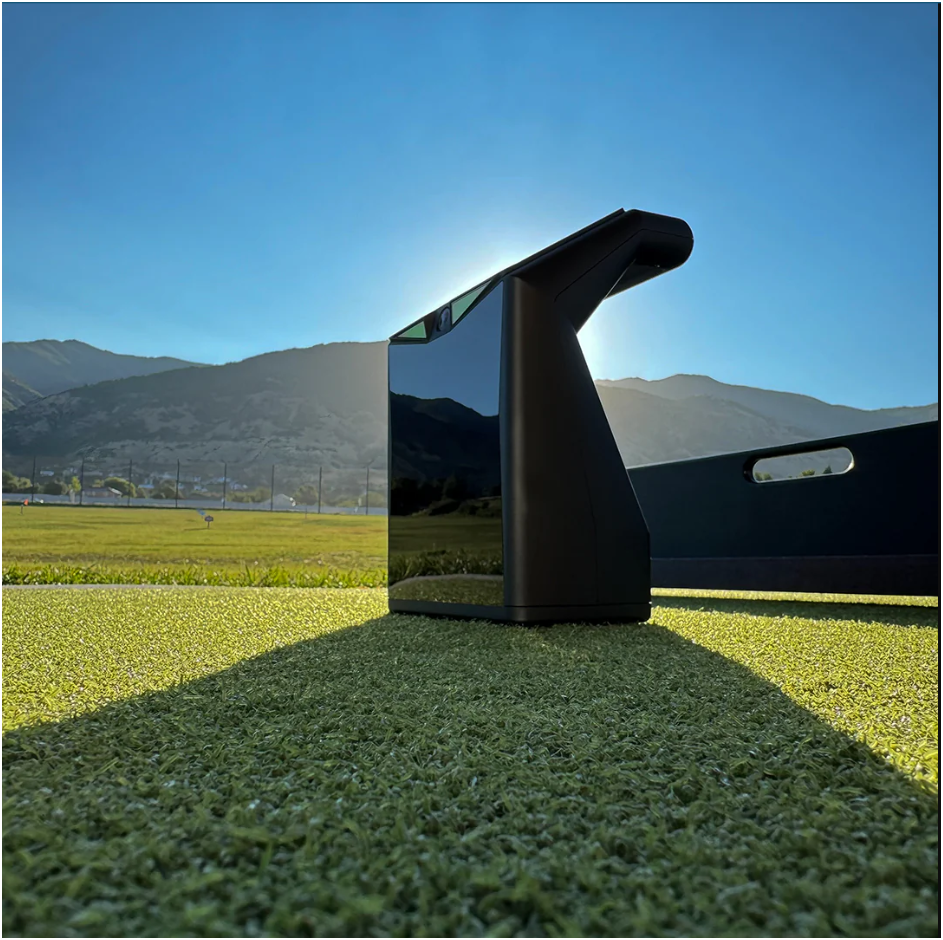
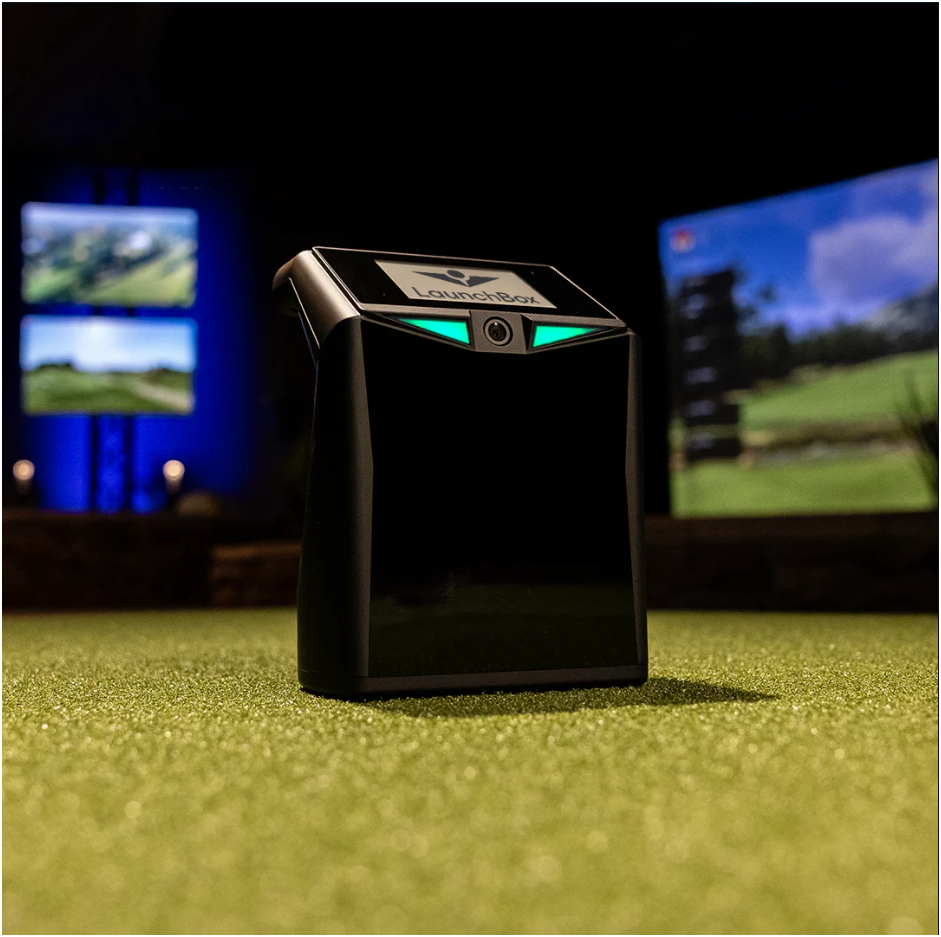
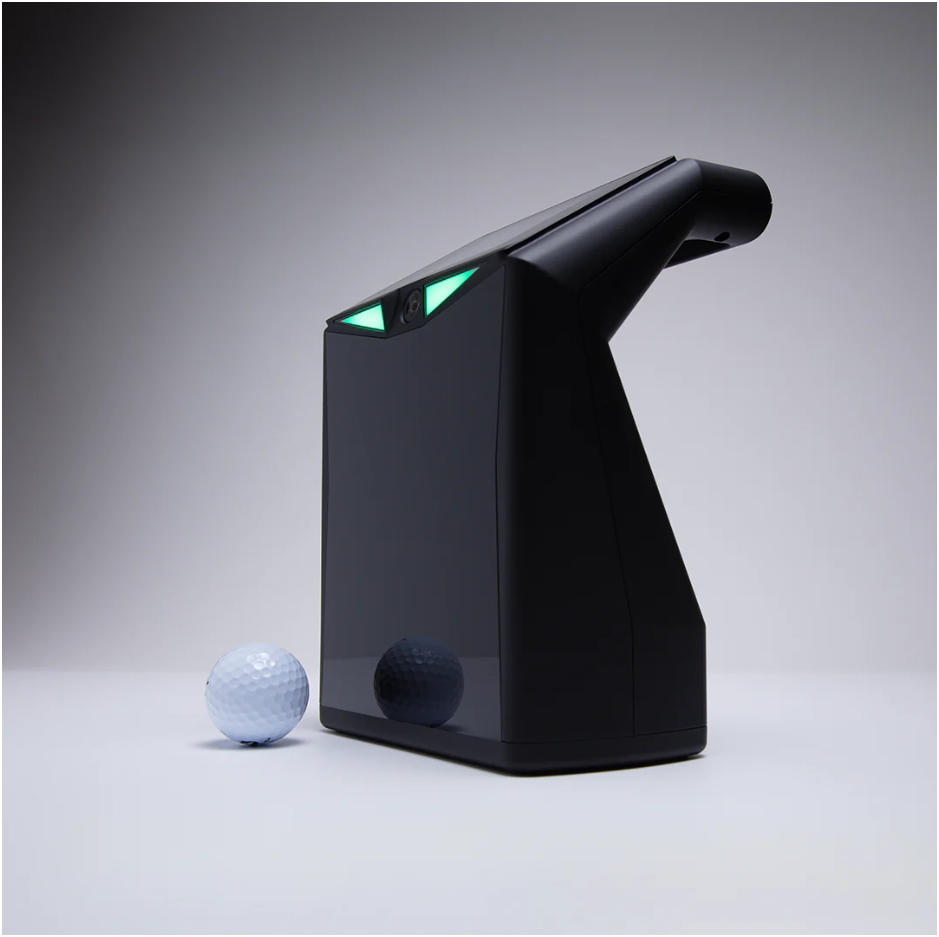
This launch monitor uses photometric (camera) shot capture technology with dual high-speed cameras. It performs best when the lighting stays consistent. It fits indoor bays, garages, and spare rooms and also works outdoors on range mats when you practice under a canopy or in shade. You get flexibility without a complicated setup.
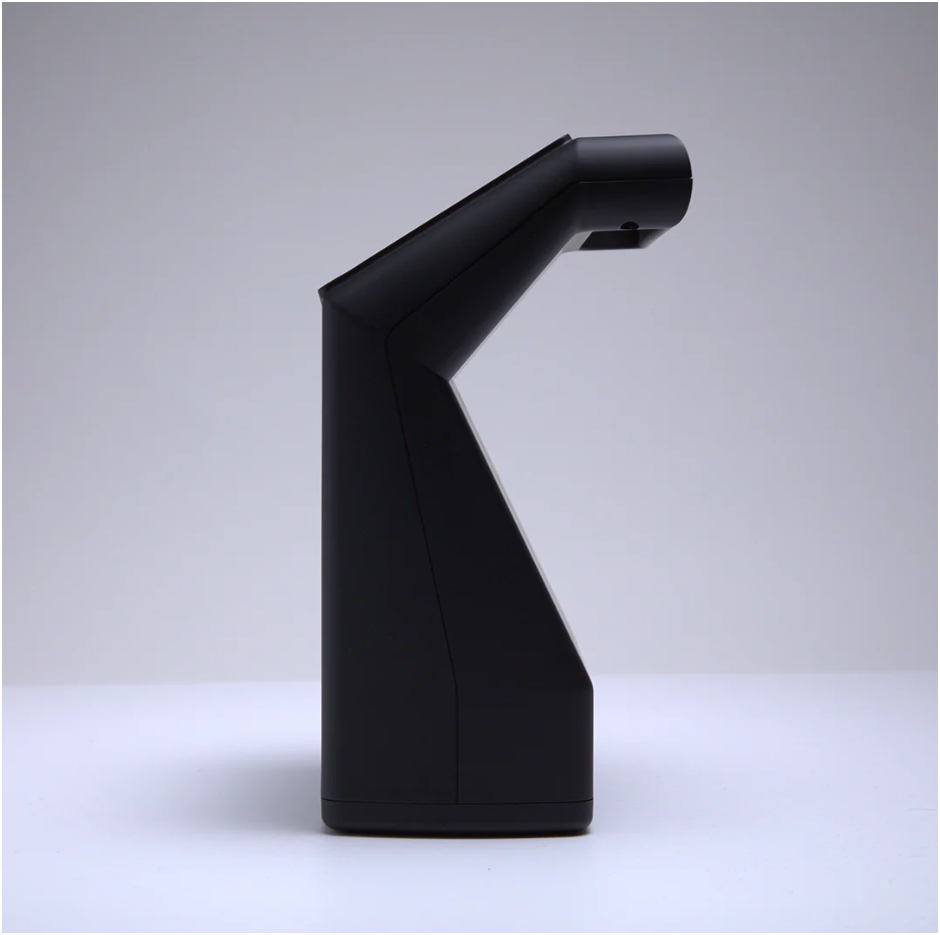
You also get a unit you can actually move. The Launch Box keeps a compact footprint and weighs about 2.7 lb, so you can carry it easily. You can take it from your home bay to the range in minutes and easily store it without needing a permanent build.
The Launch Box keeps the workflow clean. You place it at the side of the ball, aim it, and confirm you are ready. Then you hit. The unit gives you results without friction. You do not need a long calibration routine or a stack of accessories. You also do not need special balls or club stickers. This matters as it reduces ongoing costs and setup time. You hit more balls and learn faster.
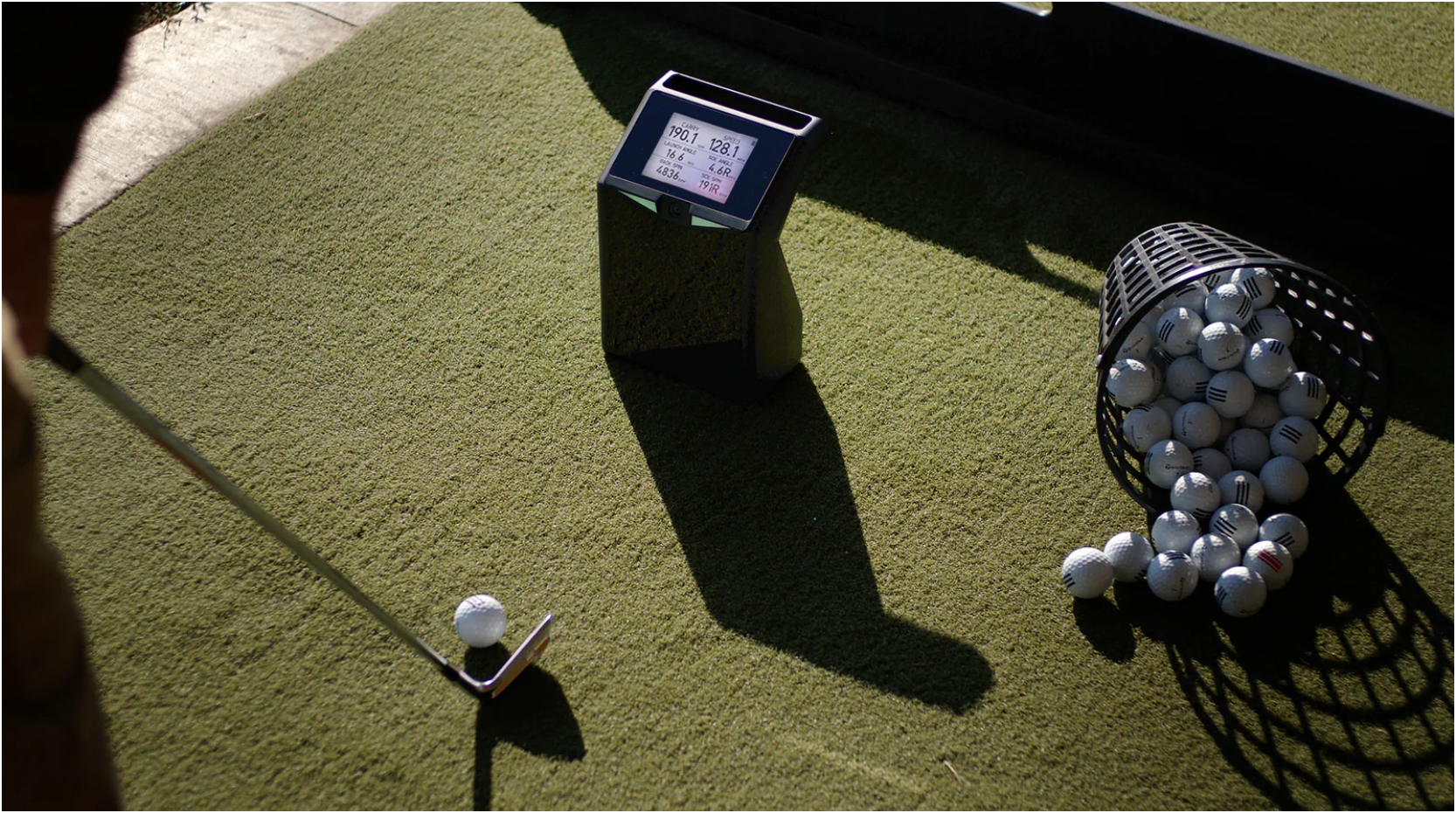
The Launch Box includes a 4-inch E-ink display that stays easy to read, even in bright light. You tap through metrics using the rear buttons. You do not need a tablet or computer just to see ball flight numbers. You can keep your session focused and can keep your tempo. It allows you to stay in a practice rhythm that feels like a real round.
The metrics cover what most golfers use to improve. The Launch Box measures ball speed, vertical launch angle, horizontal launch direction, and spin axis. It also provides clubhead speed and smash factor. It then calculates the carry distance and total distance. These numbers answer the questions that show up in every practice session.
Ball speed gives you a clean performance baseline. It tells you how much energy you put into the ball. It also highlights strike quality. You can hit two swings that feel similar and still see different ball speeds. This difference often comes from contact. That is useful feedback. Smash factor adds another layer. It shows how efficiently you convert club speed into ball speed. When smash factor improves, your distance becomes easier to repeat. Your dispersion often tightens, too.
Launch angles help you manage trajectory. Vertical launch angle shows whether you present enough loft at impact. It also shows whether you deloft the club too much. Horizontal launch direction shows where the ball starts. Start line shapes scoring. It determines whether your curve ends up on the green or in trouble. The spin axis explains curvature. It tells you why the ball bends left or right. It also helps you understand whether the curve comes from face-to-path relationships and gives you a clearer path to fixes.
Carry distance and total distance help you build gapping. The carry distance matters for approach shots. It matters for forced carries and is also needed for wedges into firm greens. Total distance matters for tee shots. It matters for long clubs where roll affects strategy. With the Launch Box, you can map your bag in a controlled setting and test your wedges in defined increments. You can confirm your stock yardages, spot overlaps, find dead zones, and make equipment decisions with evidence.
The Launch Box also supports indoor practice with a realistic “hit and react” loop. You hit a shot, read the result, choose one adjustment and hit again. That feedback loop builds skill. It also builds confidence. You stop chasing random swing thoughts and start chasing outcomes. This approach helps all skill levels. Beginners learn faster because they can see cause and effect. Better players sharpen dispersion because they can verify small changes.
Buying the Launch Box also gets you into simulation with predictable costs. The base package includes E6 with 27 courses. You can practice, play and keep sessions fresh with course variety. You can also choose an upgraded course pack that adds Pebble Beach, Oakmont, and St. Andrews for an additional cost.
You avoid a subscription cycle for the included package and keep ownership clean. You also keep the upgrade decision simple, add iconic courses when you want them and do not pay for them every year.
Battery power adds real convenience. The internal battery supports about six hours of use per charge in typical conditions. You recharge via USB-C and practice without running a power cord across the floor, and run sessions at a covered range stall without hunting for outlets. This matters for safety, and setup speed. You can keep your space clean and uncluttered.
The Launch Box also supports Wi-Fi firmware updates. That keeps the unit current. It helps refine stability and performance over time. You also get broad device flexibility. The Launch Box supports iOS, PC, and Android display options. It pairs for simulation through Bluetooth when you want to play in E6.
It also supports offline practice when you just want numbers fast. You can choose the workflow that matches your space and your habits. You can use a PC when you want a full simulator build or use iOS or Android when you want a lighter setup.
The system requirements keep expectations clear for PC users. A compatible build uses an Intel i5 processor, 8GB RAM, and an Nvidia 1070 graphics card (or equivalent) with DirectX 11 support. You also need 25GB of storage, Windows 10 64-bit, and an internet connection for the software workflow. That guidance helps you avoid frustration. It helps you plan your simulator computer the right way.
Choosing this product supports more practice and better feedback. It helps you practice more often because the setup feels easy. It helps you practice with intent because the numbers stay consistent indoors. The launch monitor helps you travel light because the unit fits in your bag. It also fits real life. You can hit a quick session after work or bring it to the range on weekends. You can run a family round at home when the weather turns.
TruGolf includes a 1-year warranty covering defects in materials and workmanship. The Launch Box gives you a clean entry into camera-based simulation. It keeps the experience fun, keeps the feedback useful and keeps the learning loop tight.
Product Details:
- Shot Capture Technology: Photometric (Camera) with dual high-speed cameras
- Device Placement: Portable, side-of-ball setup
- Indoor/Outdoor Use: Indoor + outdoor (best in controlled light; use shade outdoors)
- Onboard Display: 4-inch E-ink screen
- Key Metrics: Ball speed, launch angles, direction, spin axis, carry/total distance, clubhead speed, smash factor
- Marking Requirements: No special ball or club marking required
- Simulation Software: E6 (base pack includes 27 courses; optional course upgrade available)
- Course Options: Optional course upgrade adds Pebble Beach, Oakmont, and St. Andrews (+$500)
- Battery & Charging: ~6 hours per charge; USB-C charging
- Device Compatibility & Updates: Works with iOS, PC, Android; supports Wi-Fi firmware updates
- PC Requirements: Intel i5, 8GB RAM, Nvidia 1070 (or equivalent) + DirectX 11, 25GB storage, Windows 10 64-bit, internet required
- Warranty: 1-year
Product Features:
- Delivers true grab-and-go portability for home or range sessions.
- Shows your numbers on a clear E-ink screen you can read in bright light.
- Captures shots with dual high-speed cameras for reliable indoor performance.
- Measures core ball data so you can train with purpose and repeatability.
- Tracks ball speed and launch angles to tune trajectory and distance control.
- Tracks direction and spin axis to understand start lines and shot shape.
- Calculates carry and total distance for accurate gapping across the bag.
- Reports clubhead speed and smash factor to track speed and strike efficiency.
- Works outdoors on range mats when you practice under shade or netting.
- Includes E6 simulation with 27 courses for practice and play.
- Offers a premium course upgrade with iconic venues for a one-time fee.
- Runs on battery for long sessions and recharges via USB-C.