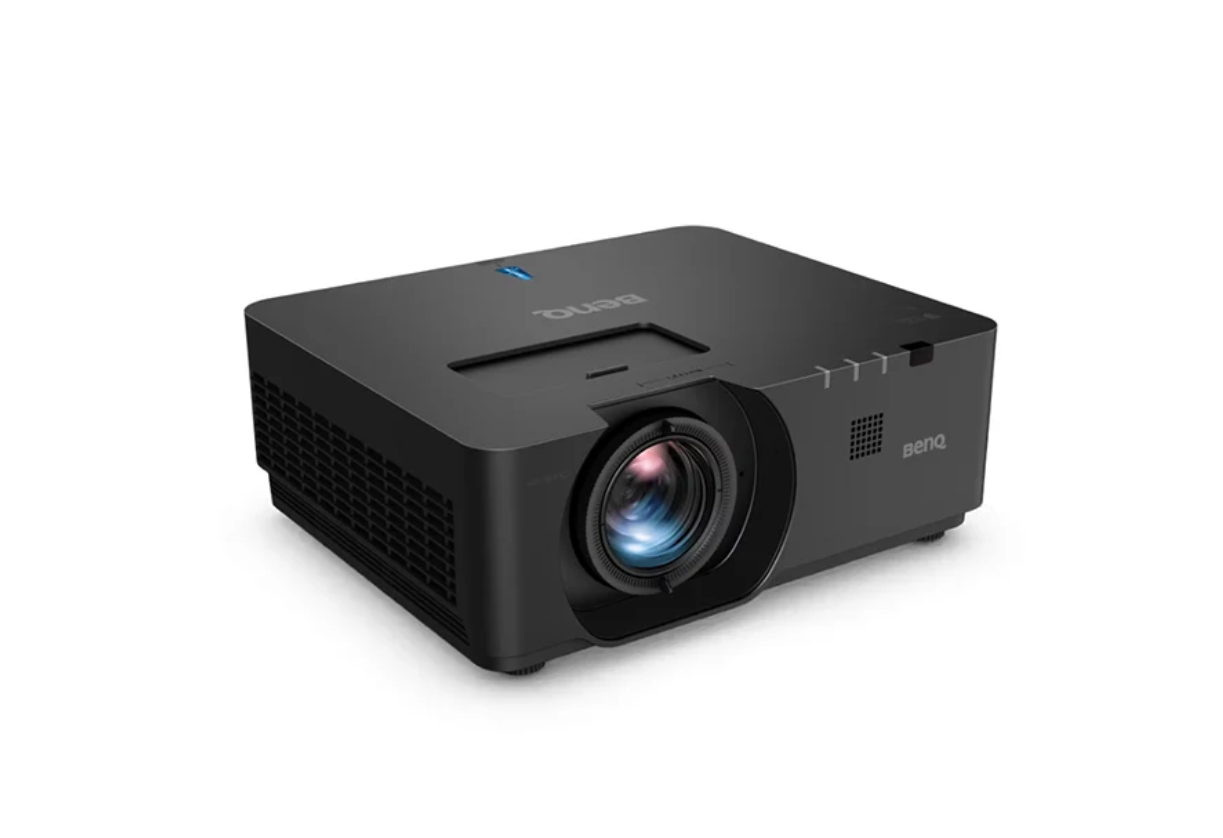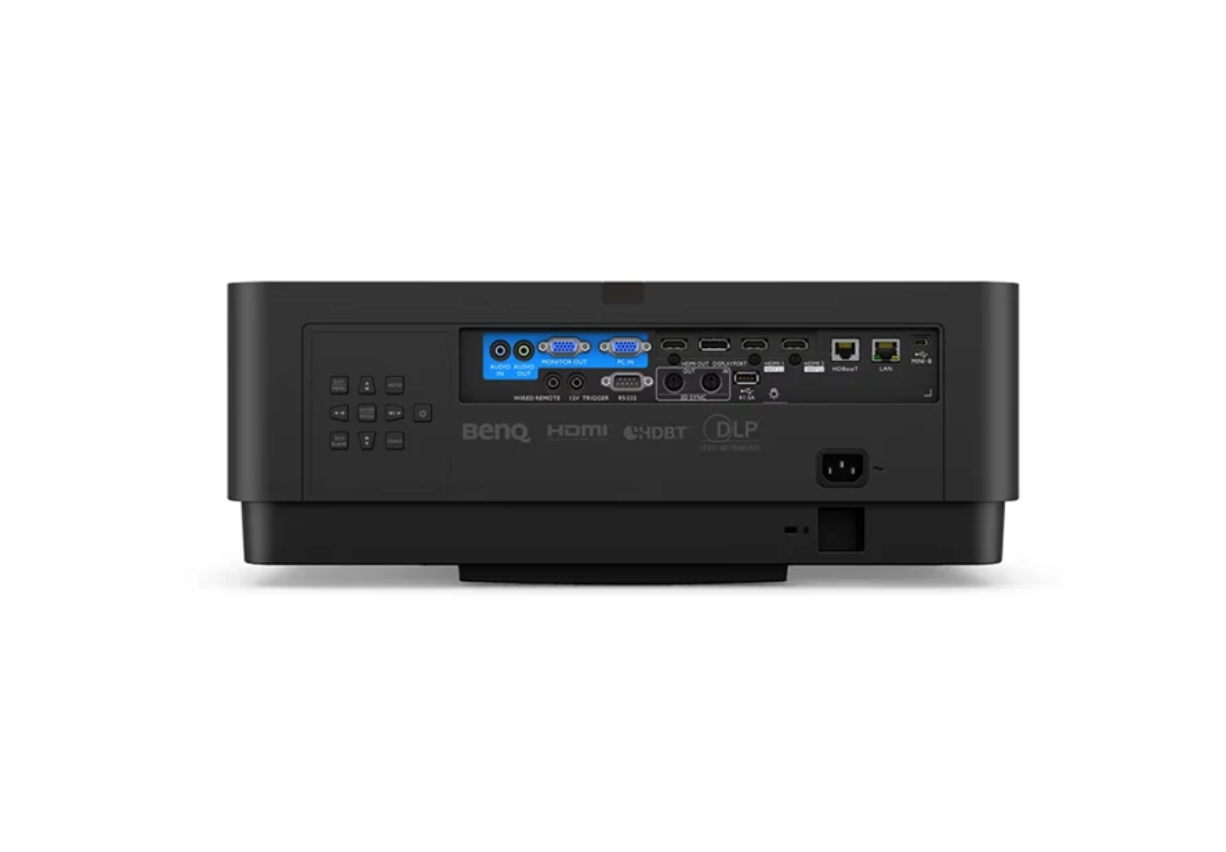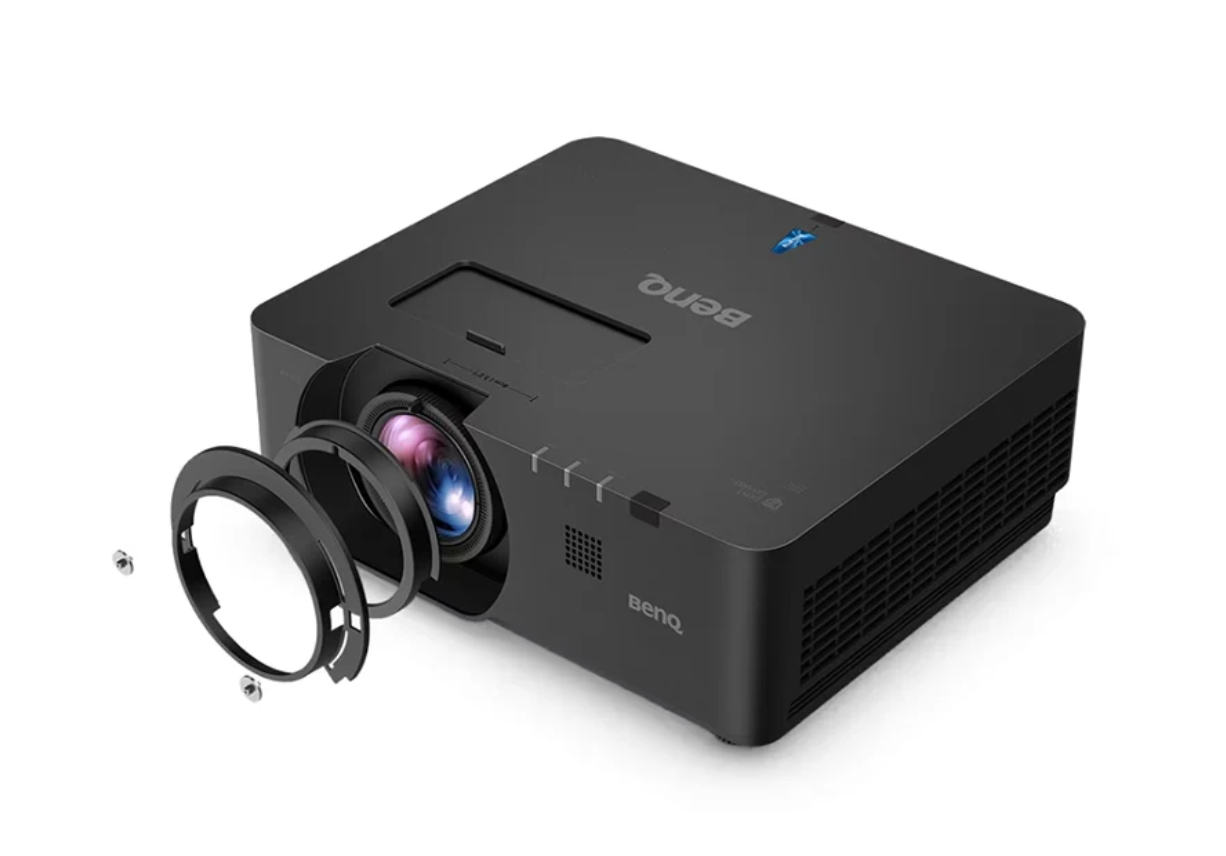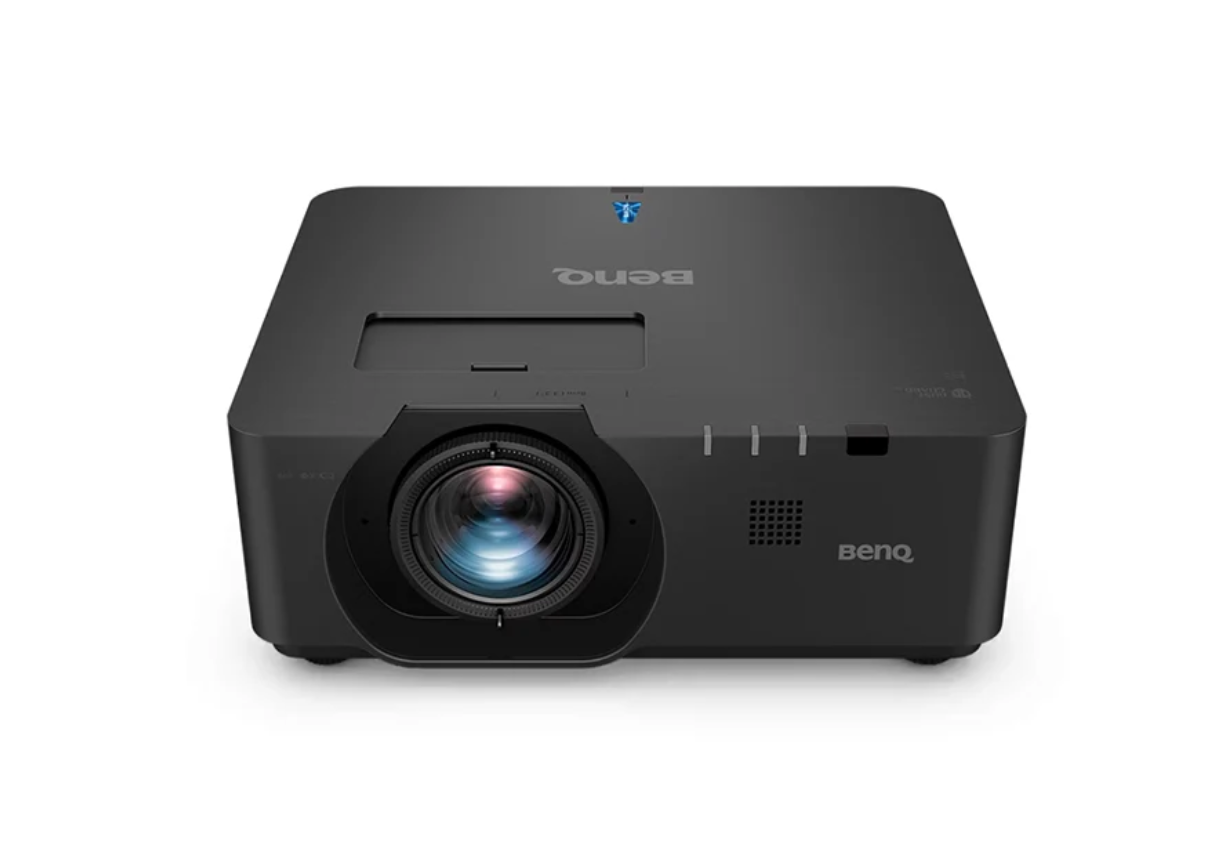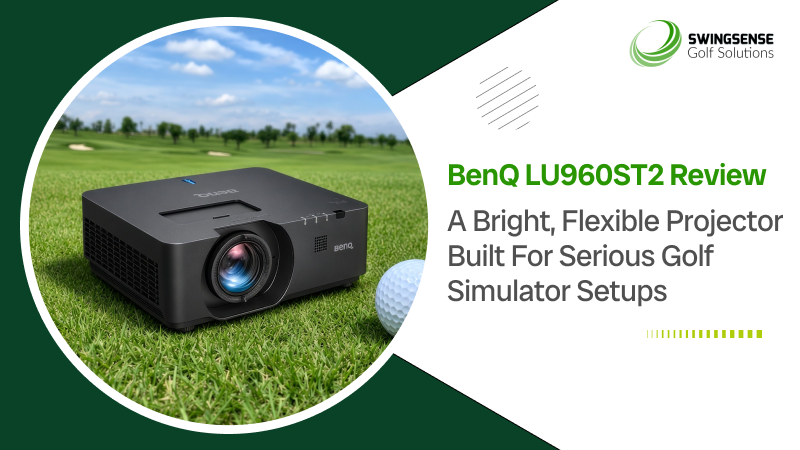
The BenQ LU960ST2 is built for golf simulator spaces that need to feel dependable every time the screen lights up. It is not aimed at casual use or a once-in-a-while setup. It is made for rooms where brightness, alignment, and image stability matter, as people often practice, play, teach, or host sessions.
That makes it well-suited for home simulator bays, commercial teaching studios, and multi-user golf spaces where the projector must perform without constant adjustment. In a compact room, the short-throw design helps keep the unit close to the screen and out of the swing area. In a brighter environment, the 5,200 ANSI lumens help keep the image clear and readable. Together, those qualities make the LU960ST2 a sensible choice for builders who want the simulator to feel like a finished system, not a collection of parts.
Brightness That Keeps The Screen Easy To Read
Why Light Output Matters In A Simulator
A golf simulator projector has a tougher job than a normal living room projector. It needs to hold up against large impact screens, course graphics, swing data, and sometimes imperfect ambient light. That is where brightness becomes more than a spec on a page.
The LU960ST2 delivers 5,200 ANSI lumens, which gives it the headroom to create a vivid image on a large screen without washing out as quickly in a room that is not perfectly dark. That helps course maps stay readable, ball flights look clearer, and interface elements remain easy to follow during a session. When the picture stays strong, the whole simulator experience feels more confident and less strained.
Clarity For Data, Courses, And Practice Views
The projector’s WUXGA resolution of 1920 x 1200 also helps the image feel more usable for simulator work. The 16:10 native aspect ratio gives a little extra vertical space compared with standard 1080p setups, which is useful when you are trying to keep menus, ball data, and course visuals from crowding each other.
That additional clarity matters most when you are moving quickly between shots. It is easier to read overlays, follow targets, and keep the screen from feeling cluttered. For golfers who care about repeatable practice, that kind of visual comfort makes a real difference.
Short Throw Flexibility Without The Mounting Headache
A Design That Works In Tight Spaces
The LU960ST2 uses a fixed 0.5:1 throw ratio, which means it can produce a large image from a short distance. In a simulator bay, that is a big advantage. The projector can sit close to the screen instead of hanging far back into the room, which helps reduce the chance of shadows and keeps the unit out of the swing path.
For rooms with lower ceilings or limited depth, that flexibility can simplify the entire build. It makes it easier to work around common obstacles like garage doors, beams, or overhead fixtures without making the setup awkward.
Lens Shift Helps Keep The Image Clean
Another strength here is the projector’s generous lens shift. The LU960ST2 supports vertical lens shift up to ±55% and horizontal lens shift up to ±23%. That gives installers more room to place the projector where the room allows and to position the image correctly without leaning too heavily on digital correction.
That matters because lens shift helps preserve image quality better than making large corrections after the fact; for a simulator, that can mean a cleaner picture, better geometry, and less hassle during setup. It is the sort of flexibility that can turn a difficult room into a workable one.
Built For Frequent Use, Not Occasional Convenience
Laser Light Source For Long-Term Ownership
The LU960ST2 uses a laser light source, which makes sense in a simulator environment. Laser projectors are well-suited to regular use because they avoid the routine lamp-replacement cycle associated with older projection systems.
BenQ rates the light source at about 20,000 hours in Normal mode, 38,000 hours in Eco mode, and up to 70,000 hours in Dimming mode. Those numbers are useful because they point to a long service life and lower maintenance pressure. For a home user, that means less upkeep. For a teaching bay or commercial setup, it means fewer interruptions.
Dust Protection And Noise Control
The sealed engine and IP5X dust protection are also useful features. Golf simulator spaces are often enclosed, and over time, dust can become a nuisance for electronics. A more protected optical system is better suited to that kind of environment.
Noise is another detail that people notice once a projector is installed. The LU960ST2 is rated at 40 dB in normal operation and 33 dB in eco mode. That keeps it from dominating the room, helping the focus stay on the session rather than the equipment.
Response Speed That Keeps Practice Feeling Immediate
Fast Mode For Interactive Play
Simulator golf works best when the picture responds quickly after a shot. If the screen feels laggy, it can break the rhythm between contact and feedback. That is why the LU960ST2’s Fast Mode is important.
BenQ lists input lag at under 17 ms in Fast Mode. That is low enough to help the experience feel direct and natural, especially in practice settings where a golfer is repeatedly watching launch, trajectory, and shot outcome. It supports the kind of immediacy that keeps a session engaging instead of sluggish.
A Better Fit For Lessons And Group Sessions
This response speed also helps in commercial or coaching environments. When multiple players are cycling through a bay, delays are frustrating. A quicker display keeps the group moving and helps the instructor or host spend more time on the golf and less time waiting on the screen to catch up.
Real-Life Applications For Different Types Of Buyers
Home Simulator Builders
For home users, the LU960ST2 offers a strong mix of brightness, mounting flexibility, and long service life. It is especially useful in garages, basements, and dedicated practice rooms where the projector must work within structural constraints.
Teaching Studios And Commercial Bays
For coaches and operators, the projector’s brightness and low-latency performance are valuable because they help the bay stay useful during frequent daily use. The ability to maintain a large, readable image can make the space easier to teach in and more enjoyable for customers.
Rooms With Limited Space
The short-throw design and lens-shift range make the LU960ST2 a good candidate for tighter rooms. When the projector has to work around ceiling fixtures or narrow mounting options, those installation choices can save time and lessen compromises.
How It Compares With Common Alternatives
Versus A Standard Home Theater Projector
A typical home theater projector may look good in a dark room, but it is not always built for the demands of simulator golf. The LU960ST2 offers higher brightness, greater mounting flexibility, and features suited to repeated, high-use sessions. That makes it better aligned with a dedicated SIM setup.
Versus A Lower-Cost Lamp Projector
A cheaper lamp projector might reduce the upfront cost, but it usually brings more maintenance over time. Lamp replacements and brightness decline can become annoying in a space that gets used often. The LU960ST2’s laser light source is a more durable long-term answer for frequent play.
Versus A More Basic Short Throw Model
Some short-throw projectors can handle the image size but not the alignment or brightness requirements. The LU960ST2 offers strong lens shift, high brightness, and a simulator-focused response, making it more adaptable when the room is not ideal.
Why The BenQ LU960ST2 Makes Sense for Serious Sim Rooms
The LU960ST2 shines by solving the problems that matter most in a golf simulator. It is bright enough to hold its own on a large screen. It is flexible enough to fit into real rooms with real obstacles. It is responsive enough to keep the experience feeling immediate. And it is designed for long-term use, which matters when the bay is not just for weekend fun.
For buyers who want a projector that feels stable, practical, and built for repeat use, those strengths add up quickly. It is the kind of model that helps the rest of the simulator setup feel more complete.
Product Details
- 5,200 ANSI lumens brightness, WUXGA native resolution: 1920 x 1200
- 16:10 native aspect ratio
- Fixed 0.5:1 ultra-short throw ratio
- Laser light source, Light source life: 20K / 38K / 70K hours
- 3,000,000:1 contrast ratio
- 92% Rec.709 color coverage
- Vertical lens shift: ±55%, Horizontal lens shift: ±23%
- Input lag: under 17 ms in Fast Mode
- 10W built-in speaker
- IP5X sealed engine
- Noise level: 40 dB / 33 dB (eco)
- Weight: 26.5 lbs
- Dimensions: 18.9 x 7.2 x 15.8 in
- 3-year warranty for parts, labor, and laser
Product Features
- High Brightness Output: Delivers 5,200 ANSI lumens, keeping simulator visuals clear and easy to read on a large screen.
- Ultra-Short Throw Design: Projects from a close distance to reduce shadows and keep the projector safely away from the swing zone.
- Flexible Lens Shift: Uses ±55% vertical and ±23% horizontal shift to make installation easier in real rooms.
- Laser Light Source: Enables long-term use with far less maintenance than lamp-based projectors.
- Detailed WUXGA Image: Presents simulator data, menus, and course graphics with added definition and room to breathe.
- Low-Lag Fast Mode: Keeps responses fast enough for practice sessions that depend on immediate feedback.
- Sealed Engine Protection: Helps guard the projector against dust buildup in enclosed simulator environments.
- Built-In Speaker: Adds basic sound support for simpler installs that do not need a separate audio setup right away.
Conclusion
The BenQ LU960ST2 is a good fit for golfers who want a simulator projector that feels purpose-built rather than improvised. Its brightness, short-throw design, lens-shift range, and laser light source make it especially well-suited to serious home bays and commercial practice spaces.
BenQ LU960ST2 Review: A Bright, Flexible Projector Built for Serious Golf Simulator Setups
SwingSense
Related posts
Advertisement
A.I. POWERED LAUNCH MONITOR
ProTee United’s new VX Launch Monitor perfectly balances high tech and simplicity. Its slick design and high accuracy make it the ideal launch monitor for your home. The most anticipated ceiling launch monitor right now, with a wide variety of great features.
Learn moreSearch
Categories
- Company Info (8)
- Curtain Enclosure Kit (5)
- E6 Connect (9)
- Electric Golf Scooters (41)
- FSX 2020 (1)
- Golf Caddy (30)
- Golf Cart (8)
- Golf GPS Watch (11)
- Golf Mats (78)
- Golf Monitor (2)
- Golf Nets (85)
- Golf Projection Screen (26)
- Golf Scooter (4)
- Golf Simulation Software (4)
- Golf Simulator Enclosure (24)
- Golf Simulator Impact Screen (4)
- Golf Simulator Kit (1)
- Golf Simulator Package (119)
- Golf Simulator Projector (62)
- Golf Simulator Screen (1)
- Golf Simulator Tees (1)
- Golf Simulators (271)
- Golf Swing Analyzers (37)
- Golf Training System (2)
- Golf Turf (4)
- Indoor Golf (63)
- Launch Monitor and Golf Simulator (5)
- Launch Monitors (461)
- Miscellaneous (21)
- Multisport Camera (2)
- Push Carts (20)
- Putting Greens (46)
- Putting Mat (2)
- Range Finder (102)
- Screen and Enclosure Products (5)
- Simulation Software (45)
- Skytrak (10)
- TGC Course Discovery (1,160)
- The Golf Club Simulator (1,160)
- Uncategorized (8)
- Uneekor Refine (1)
- Video Blog (178)
Subscribe Now
* Become a SwingSense Newsletter subscriber to get access to exclusive insider offers, promotions and discounts!